> ## Documentation Index
> Fetch the complete documentation index at: https://botpress-update-integrations.mintlify.site/llms.txt
> Use this file to discover all available pages before exploring further.
# HITL with Desk
> Escalate conversations to support agents in Botpress Desk.
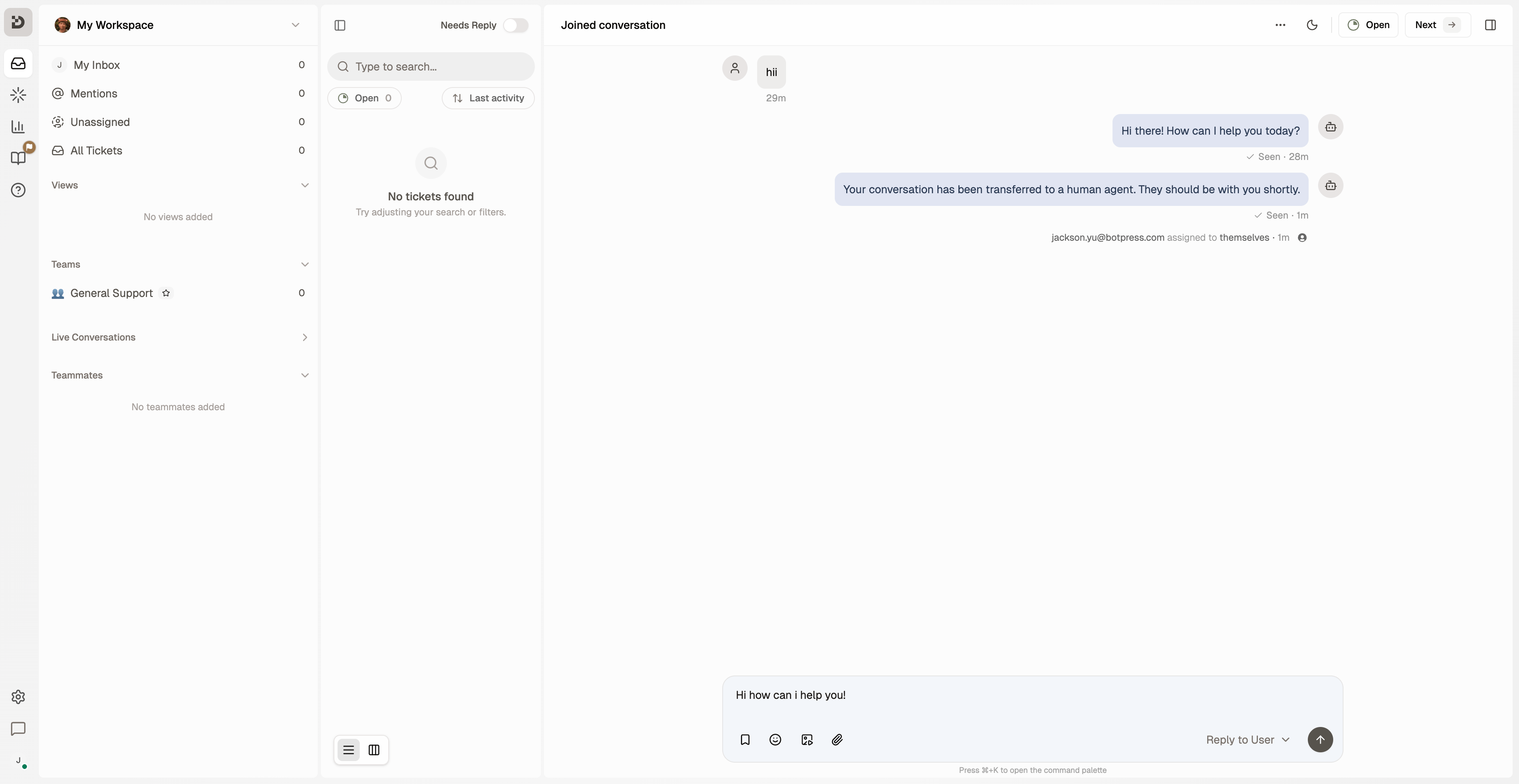
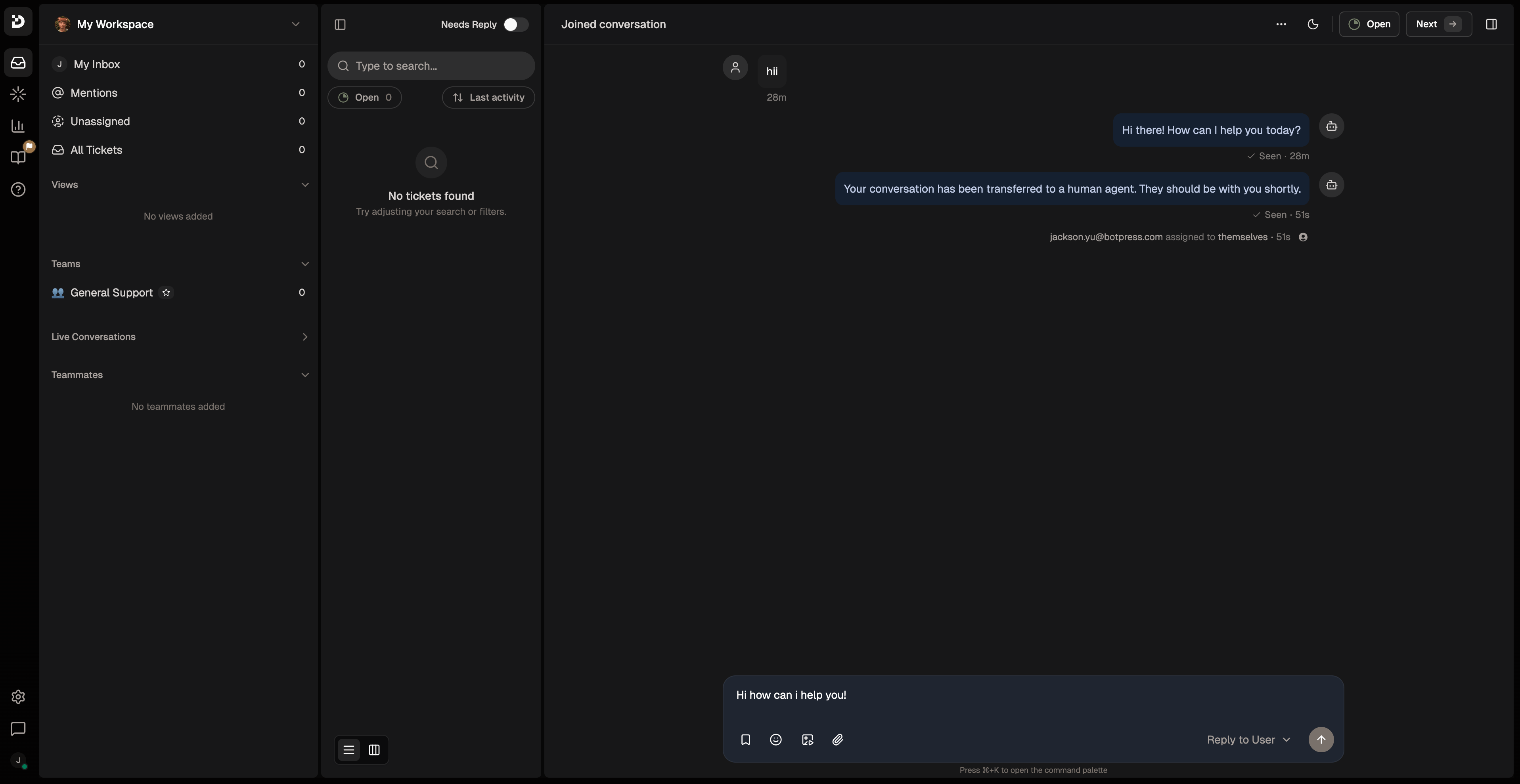
The `desk-hitl` plugin connects your agent to Botpress Desk for human handoff. When escalated, your agent calls `startHitl` to create a Desk ticket and a support agent takes over from there.
 ## Add `desk-hitl` to your agent
Add the plugin to `agent.config.ts`:
```typescript theme={"theme":{"light":"light-plus","dark":"dark-plus"}}
import { defineConfig, z } from "@botpress/runtime"
export default defineConfig({
name: "my-agent",
dependencies: {
integrations: {
webchat: "webchat@0.3.0",
},
plugins: {
"desk-hitl": {
version: "desk-hitl@latest",
},
},
},
})
```
### Customize handoff messages
Override the default messages the plugin sends when an agent joins or a session ends:
```typescript theme={"theme":{"light":"light-plus","dark":"dark-plus"}}
plugins: {
"desk-hitl": {
version: "desk-hitl@latest",
config: {
agentAssignedMessage: "A support agent has joined the conversation.",
sessionEndedMessage: "The support session has ended. Is there anything else I can help you with?",
},
},
},
```
## Connect your bot in Botpress Desk
To enable escalations, link your bot to Botpress Desk from the Desk UI. This is a one-time step per bot. Your bot must be deployed at least once before it appears in the list.
Run `adk deploy` to deploy your bot.
Open [**Botpress Desk**](/desk/introduction).
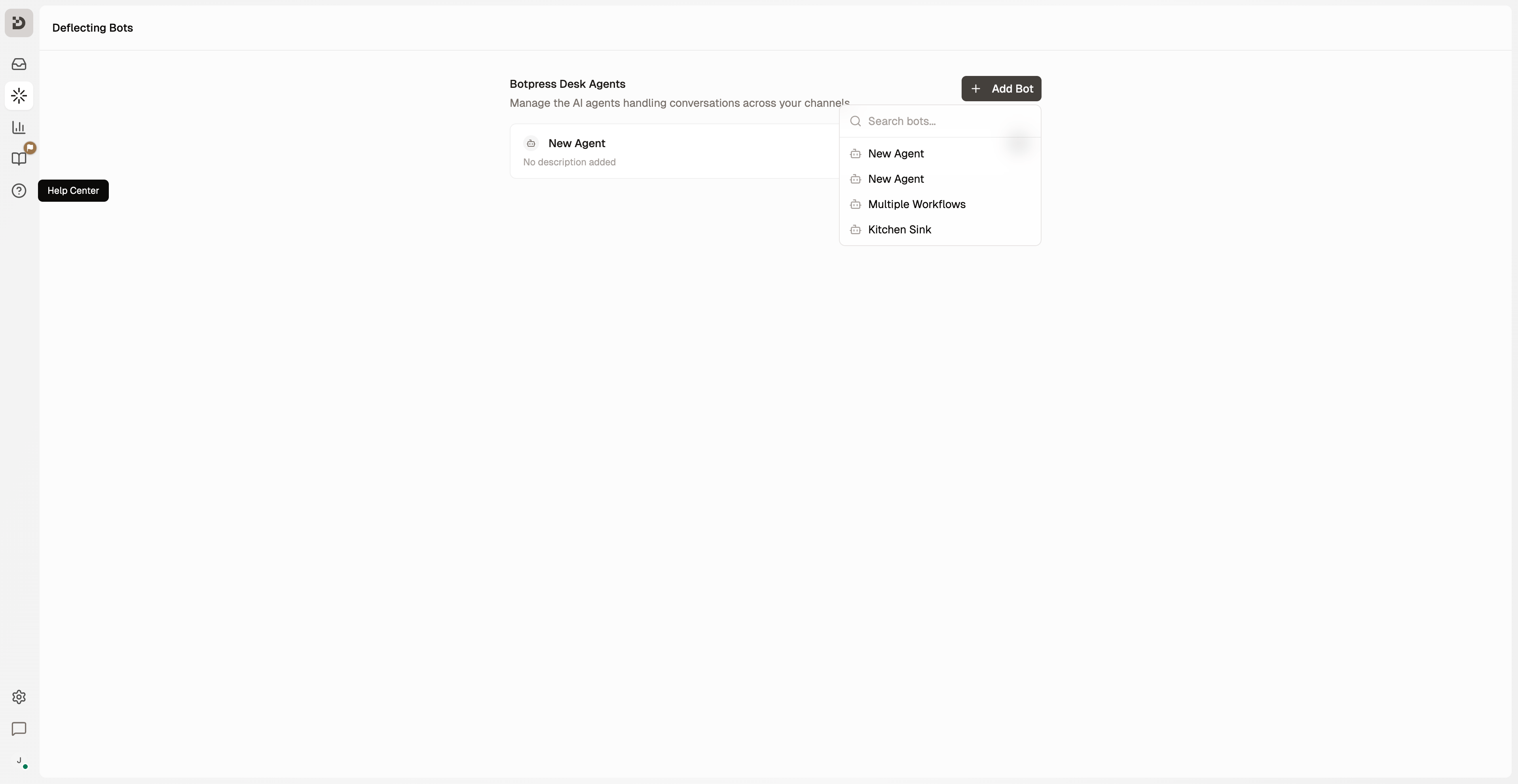
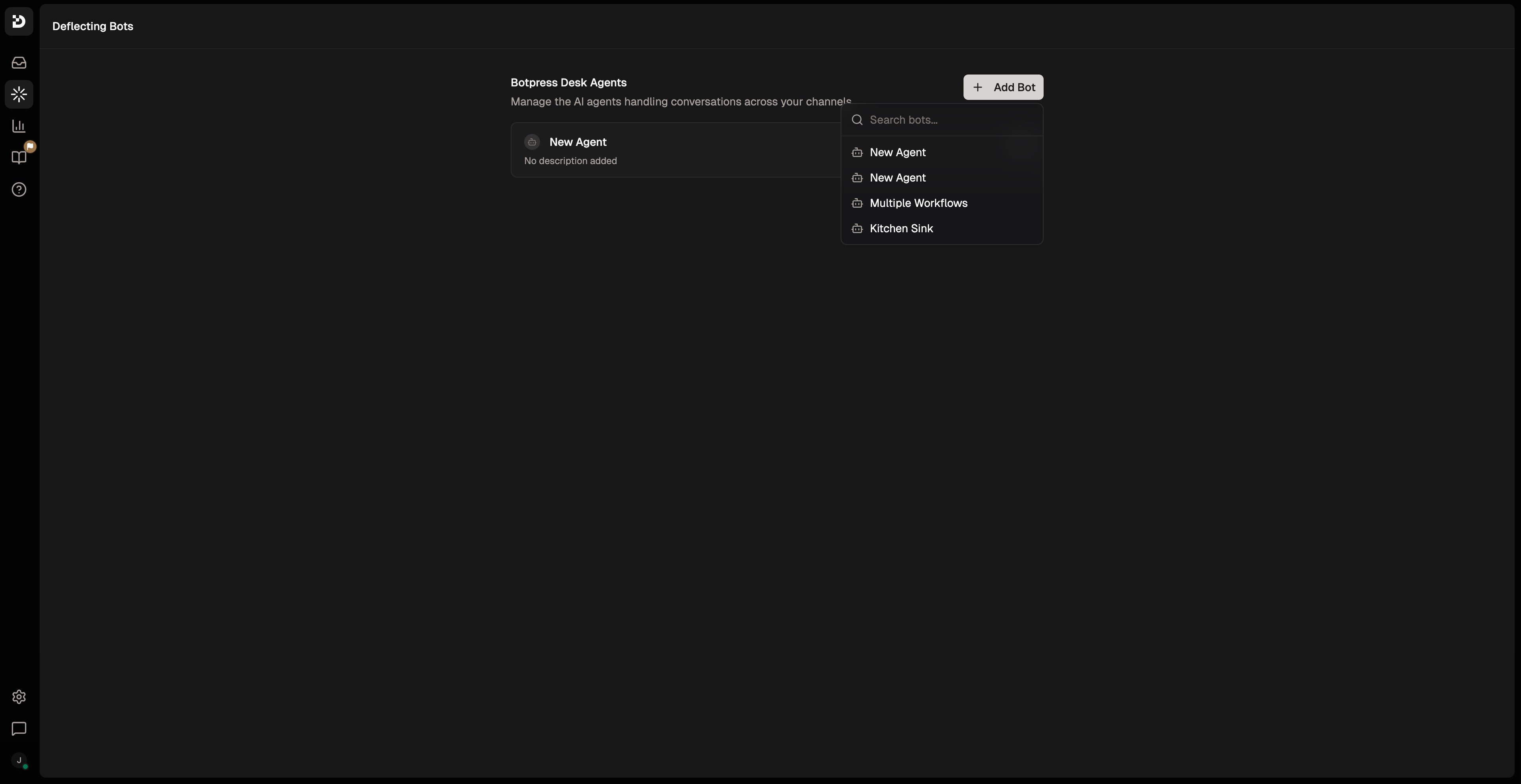
Go to **AI Agents → Deflecting Bots**.
Add your bot.
## Add `desk-hitl` to your agent
Add the plugin to `agent.config.ts`:
```typescript theme={"theme":{"light":"light-plus","dark":"dark-plus"}}
import { defineConfig, z } from "@botpress/runtime"
export default defineConfig({
name: "my-agent",
dependencies: {
integrations: {
webchat: "webchat@0.3.0",
},
plugins: {
"desk-hitl": {
version: "desk-hitl@latest",
},
},
},
})
```
### Customize handoff messages
Override the default messages the plugin sends when an agent joins or a session ends:
```typescript theme={"theme":{"light":"light-plus","dark":"dark-plus"}}
plugins: {
"desk-hitl": {
version: "desk-hitl@latest",
config: {
agentAssignedMessage: "A support agent has joined the conversation.",
sessionEndedMessage: "The support session has ended. Is there anything else I can help you with?",
},
},
},
```
## Connect your bot in Botpress Desk
To enable escalations, link your bot to Botpress Desk from the Desk UI. This is a one-time step per bot. Your bot must be deployed at least once before it appears in the list.
Run `adk deploy` to deploy your bot.
Open [**Botpress Desk**](/desk/introduction).
Go to **AI Agents → Deflecting Bots**.
Add your bot.
 If you skip this step, `startHitl` will fail with: *"This bot is not connected to Botpress Desk. Enable it on the Deflecting Bots page in Botpress Desk, then republish."*
## Create an escalation tool
Wrap `startHitl` in an `Autonomous.Tool` so the model can decide when to escalate. Create a file called `handToSupport.ts` under `src/tools/`:
```typescript theme={"theme":{"light":"light-plus","dark":"dark-plus"}}
import { Autonomous, context, plugins, z } from "@botpress/runtime"
export default new Autonomous.Tool({
name: "handToSupport",
description:
"Transfer the conversation to a support agent. Use when the user explicitly asks for a support agent, or when their issue is beyond the bot's capabilities.",
input: z.object({
reason: z.string().describe("Why the conversation needs a support agent"),
priority: z.enum(["low", "medium", "high", "urgent"]).default("medium"),
}),
handler: async ({ reason, priority }) => {
const conversation = context.get("conversation")
await plugins["desk-hitl"].actions.startHitl({
conversationId: conversation.id,
title: reason,
priority,
})
},
})
```
Fields passed to `startHitl`:
| Field | Type | Description |
| ---------------- | ----------------------------------------- | --------------------------------------- |
| `conversationId` | `string` | The conversation to escalate — required |
| `title` | `string` | Ticket title shown in Desk |
| `priority` | `'low' \| 'medium' \| 'high' \| 'urgent'` | Ticket priority (default: `'medium'`) |
| `userName` | `string` | Customer name shown in the Desk ticket |
| `userEmail` | `string` | Customer email shown in the Desk ticket |
## Use the tool in a conversation handler
Add the tool to `conversations/index.ts` and instruct the model when to use it:
```typescript theme={"theme":{"light":"light-plus","dark":"dark-plus"}}
import { Conversation } from "@botpress/runtime"
import handToSupport from "../tools/handToSupport"
export default new Conversation({
channel: "*",
handler: async ({ execute }) => {
await execute({
instructions: `You are a helpful support assistant.
If the user needs help beyond your capabilities or explicitly asks for a support agent, use the handToSupport tool. After calling it, do not send any message.`,
tools: [handToSupport],
})
},
})
```
If you skip this step, `startHitl` will fail with: *"This bot is not connected to Botpress Desk. Enable it on the Deflecting Bots page in Botpress Desk, then republish."*
## Create an escalation tool
Wrap `startHitl` in an `Autonomous.Tool` so the model can decide when to escalate. Create a file called `handToSupport.ts` under `src/tools/`:
```typescript theme={"theme":{"light":"light-plus","dark":"dark-plus"}}
import { Autonomous, context, plugins, z } from "@botpress/runtime"
export default new Autonomous.Tool({
name: "handToSupport",
description:
"Transfer the conversation to a support agent. Use when the user explicitly asks for a support agent, or when their issue is beyond the bot's capabilities.",
input: z.object({
reason: z.string().describe("Why the conversation needs a support agent"),
priority: z.enum(["low", "medium", "high", "urgent"]).default("medium"),
}),
handler: async ({ reason, priority }) => {
const conversation = context.get("conversation")
await plugins["desk-hitl"].actions.startHitl({
conversationId: conversation.id,
title: reason,
priority,
})
},
})
```
Fields passed to `startHitl`:
| Field | Type | Description |
| ---------------- | ----------------------------------------- | --------------------------------------- |
| `conversationId` | `string` | The conversation to escalate — required |
| `title` | `string` | Ticket title shown in Desk |
| `priority` | `'low' \| 'medium' \| 'high' \| 'urgent'` | Ticket priority (default: `'medium'`) |
| `userName` | `string` | Customer name shown in the Desk ticket |
| `userEmail` | `string` | Customer email shown in the Desk ticket |
## Use the tool in a conversation handler
Add the tool to `conversations/index.ts` and instruct the model when to use it:
```typescript theme={"theme":{"light":"light-plus","dark":"dark-plus"}}
import { Conversation } from "@botpress/runtime"
import handToSupport from "../tools/handToSupport"
export default new Conversation({
channel: "*",
handler: async ({ execute }) => {
await execute({
instructions: `You are a helpful support assistant.
If the user needs help beyond your capabilities or explicitly asks for a support agent, use the handToSupport tool. After calling it, do not send any message.`,
tools: [handToSupport],
})
},
})
```