

You will need:
- A published bot
- Knowledge of CSS
Step 1: Translate elements from Webchat settings
You can translate some elements of the Webchat UI directly from your bot’s Webchat settings:Name and description
To translate the name and description of your bot, modify the Bot Name and Description fields: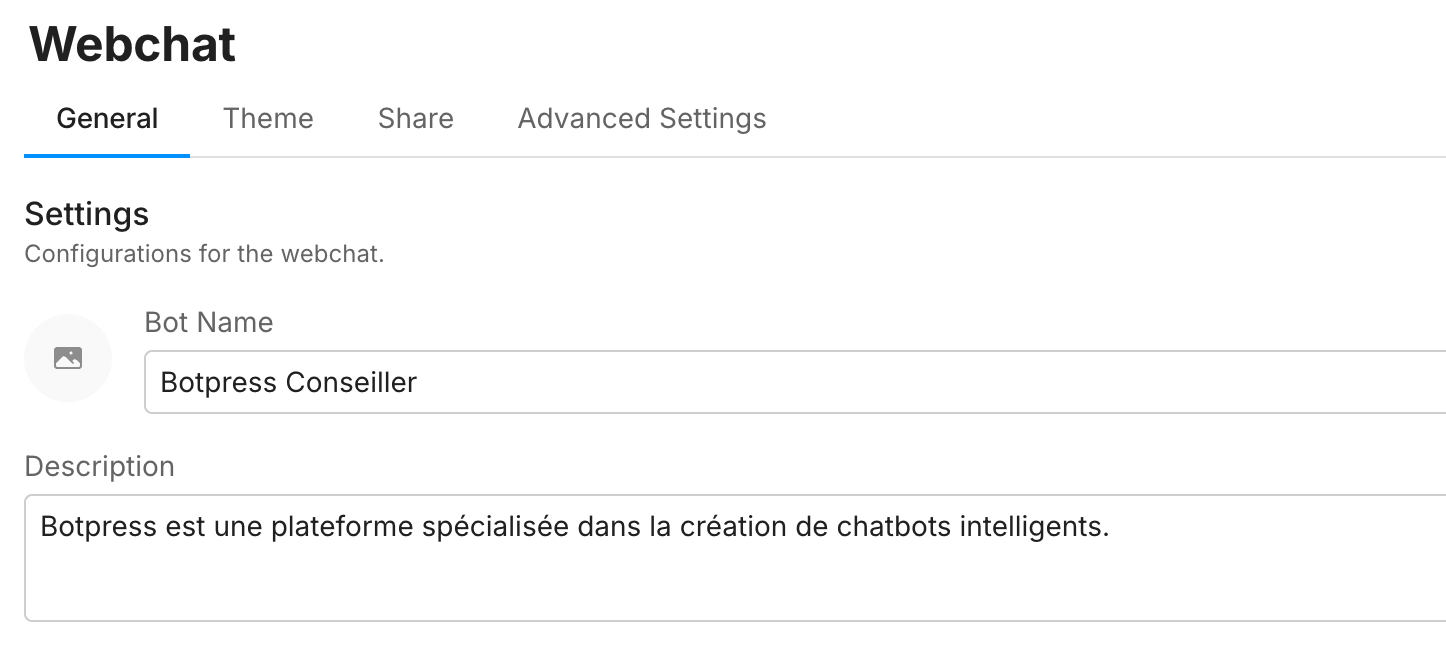
Composer placeholder
To translate the placeholder text in the Composer, modify the Composer placeholder field:
Step 2: Translate elements with CSS
Other elements of the Webchat UI need to be translated using CSS. To modify Webchat’s built-in CSS classes:- Open your bot’s Webchat settings.
- Go to Bot Appearance, then scroll to the Styles section.
- Copy and paste the CSS snippets below into the Styles section, then modify the highlighted lines as needed.
New conversation modal
You can translate the modal that appears when a user restarts a conversation: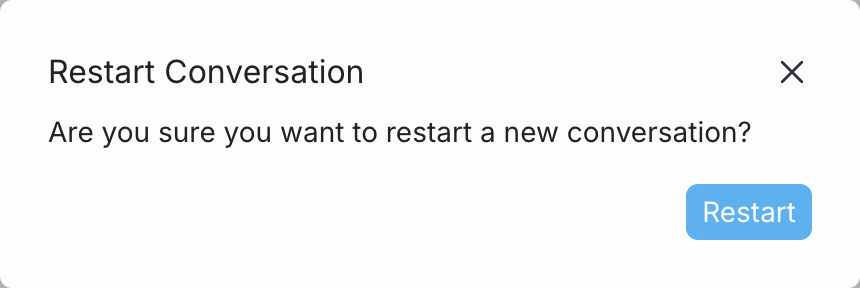
“Today” label
You can translate the “Today” label that appears in a Webchat conversation: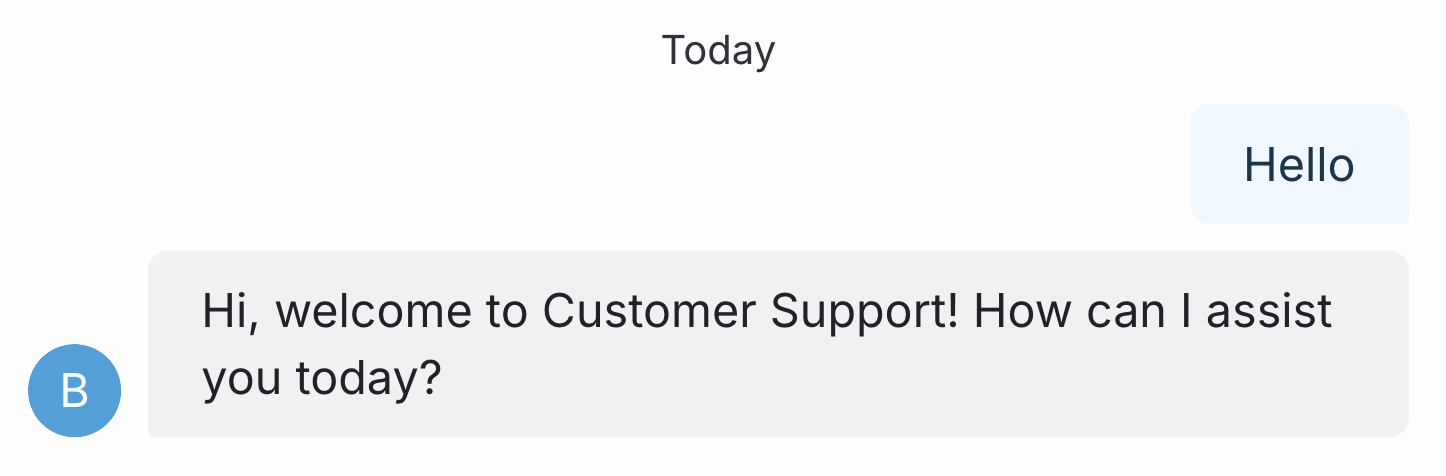
Your bot’s Webchat UI is now translated!
Delivery status
You can change the “Delivered” label that appears after a user message is received:
